
Ultimate MetaTrader Resource Center: The Complete Guide for Traders and Developers (2026)
Meta Title: Ultimate MetaTrader Resource Center 2026 | MT4, MT5, EAs & Trading Tools Guide
Meta Description: Explore the ultimate MetaTrader resource center covering MT4, MT5, Expert Advisors, indicators, trading tools, file formats, development, licensing, and best practices.
Ultimate MetaTrader Resource Center: Everything You Need to Know About MetaTrader in 2026
Introduction
MetaTrader has become one of the most recognized trading platforms in the world, powering millions of traders, developers, brokers, and financial technology businesses.
From manual trading to fully automated systems, MetaTrader provides a complete environment for analyzing markets, developing trading algorithms, and managing automated strategies.
The MetaTrader ecosystem includes:
- MetaTrader 4 (MT4)
- MetaTrader 5 (MT5)
- Expert Advisors (EAs)
- Custom indicators
- Trading scripts
- MQL programming
- Automated trading tools
- Software licensing systems
This ultimate MetaTrader resource center provides a complete overview of the platform, important file formats, development concepts, and best practices for traders and developers.
What Is MetaTrader?
MetaTrader is a trading platform developed for accessing financial markets and creating automated trading applications.
It allows users to:
- Analyze market charts
- Execute trades
- Use technical indicators
- Automate strategies
- Develop custom trading software
The platform is widely used in Forex, CFDs, and other financial markets.
MetaTrader 4 vs MetaTrader 5
MetaTrader 4 (MT4)
MT4 remains popular because of its simplicity and large ecosystem.
Key features:
- MQL4 programming language
- Expert Advisors
- Custom indicators
- Large community support
- Extensive third-party tools
MetaTrader 5 (MT5)
MT5 is the newer generation platform designed for broader market access.
Features include:
- MQL5 programming language
- Advanced strategy testing
- More market instruments
- Improved trading infrastructure
- Enhanced development tools
Understanding MetaTrader File Types
MetaTrader applications use different file formats depending on their purpose.
MQ4 Files
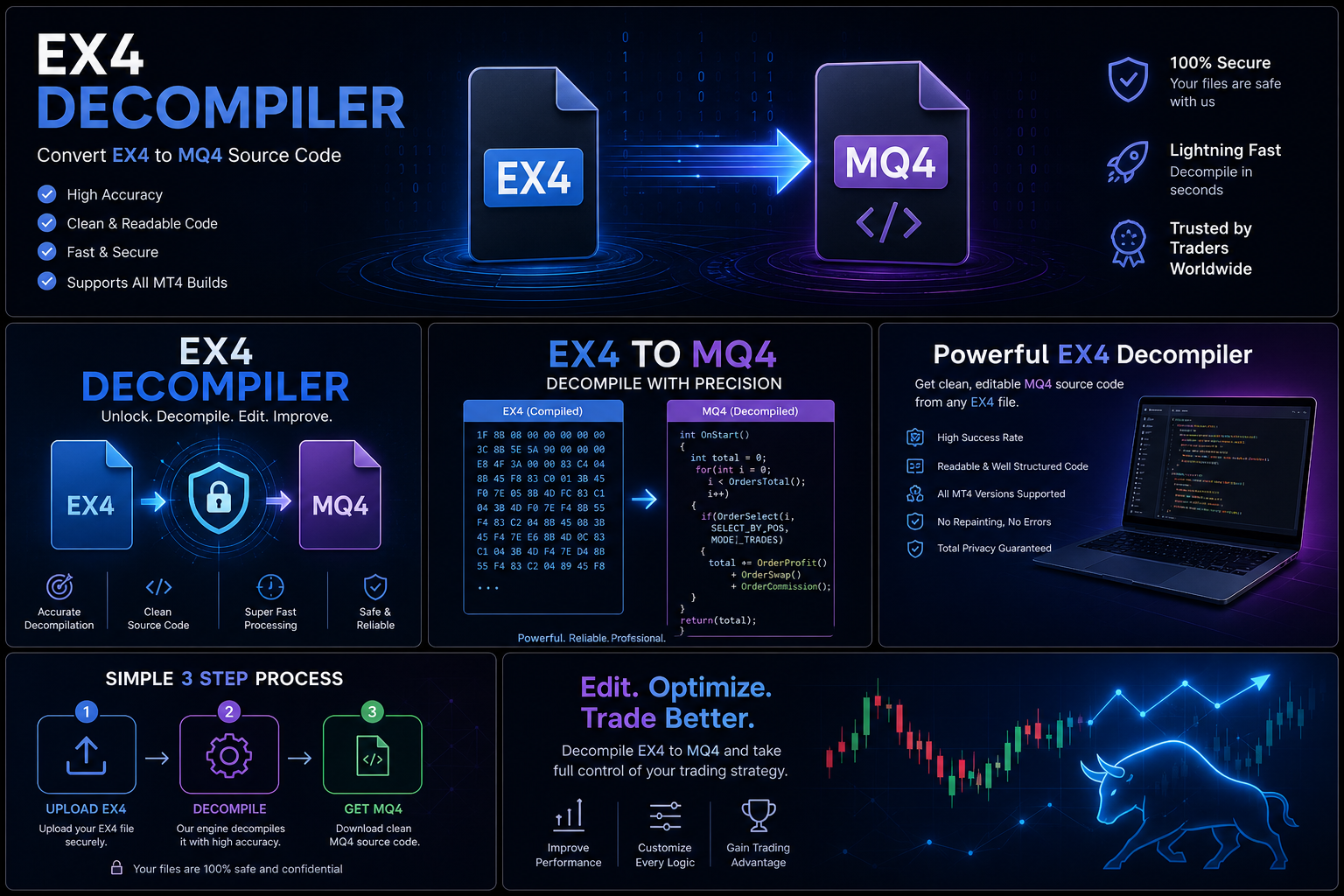
MQ4 files contain MQL4 source code used for creating MT4 applications.
They are used by developers for:
- Programming Expert Advisors
- Creating indicators
- Updating software
- Maintaining projects
EX4 Files
EX4 files are compiled MT4 applications.
They are commonly used for:
- Expert Advisors
- Indicators
- Scripts
They allow completed applications to run inside MT4.
MQ5 Files
MQ5 files contain source code written in MQL5 for MetaTrader 5.
EX5 Files
EX5 files are compiled applications designed for MetaTrader 5.
They allow MT5 applications to execute.
Expert Advisors (EAs) Explained
An Expert Advisor is an automated trading program that operates inside MetaTrader.
EAs can assist with:
- Automated trade execution
- Market analysis
- Risk management
- Strategy implementation
Professional traders use EAs to create systematic approaches to trading.
Types of MetaTrader Applications
Expert Advisors
Automated trading systems that follow programmed rules.
Examples:
- Trend-following systems
- Trading assistants
- Risk management tools
Custom Indicators
Indicators provide additional market analysis tools.
They can display:
- Signals
- Patterns
- Calculations
- Market information
Scripts
Scripts perform specific automated actions.
Examples:
- Trade management tasks
- Account operations
- Chart actions
MQL Programming Languages
MetaTrader uses specialized programming languages:
MQL4
Used for MetaTrader 4 development.
It allows developers to create:
- EAs
- Indicators
- Scripts
MQL5
Used for MetaTrader 5 development.
It provides additional programming capabilities and improved development features.
Automated Trading Development Process
Professional EA development usually involves:
Strategy Design
Developers define:
- Trading rules
- Entry conditions
- Exit conditions
- Risk management
Programming
The strategy is converted into code using MQL.
Testing
Developers evaluate performance through:
- Historical testing
- Optimization
- Market simulations
Deployment
Completed applications are installed and used within MetaTrader.
Protecting MetaTrader Projects
Trading software can represent significant research and development effort.
Professional developers protect their projects through:
- Secure backups
- Version control
- Documentation
- Licensing agreements
- Controlled access
Protecting development files helps maintain long-term software quality.
Common MetaTrader Problems and Solutions
Expert Advisor Not Working
Possible causes:
- Incorrect settings
- Missing files
- Platform compatibility issues
Indicator Not Showing
Possible causes:
- Wrong installation location
- Platform restart required
- Compatibility problems
License Problems
Possible solutions:
- Verify purchase details
- Contact the developer
- Check account requirements
Choosing MetaTrader Software
When selecting an EA, indicator, or trading tool, consider:
Developer Reputation
Look for:
- Experience
- Reviews
- Support quality
Documentation
Professional software should include clear instructions.
Updates
Regular updates show continued maintenance.
MetaTrader Security Best Practices
Users should:
- Download software from trusted sources.
- Keep account credentials secure.
- Maintain backups.
- Understand software licenses.
- Avoid unknown files.
Developers should:
- Protect source projects.
- Maintain secure development environments.
- Document changes.
Frequently Asked Questions
Is MetaTrader free?
MetaTrader software availability depends on brokers and service providers.
What is an EA in MetaTrader?
An EA is an automated trading program that runs within MT4 or MT5.
What is the difference between MT4 and MT5?
MT4 uses MQL4 and focuses heavily on Forex trading, while MT5 uses MQL5 and provides broader functionality.
What are EX4 and EX5 files?
They are compiled application formats used by MetaTrader 4 and MetaTrader 5.
Why is source code important?
Source code allows developers to maintain, update, and improve software.
Future of MetaTrader in 2026 and Beyond
The future of automated trading continues to develop with:
- More advanced algorithms
- Better testing tools
- Improved automation
- Artificial intelligence integration
- More sophisticated trading systems
MetaTrader remains an important platform for traders and developers building automated solutions.
Conclusion
The MetaTrader ecosystem provides powerful tools for both traders and developers. Understanding MT4, MT5, Expert Advisors, file formats, programming languages, and software management practices helps users make better decisions.
Whether you are a beginner learning about automated trading or a developer building advanced trading systems, this MetaTrader resource center provides the foundation needed to understand the platform and its possibilities.
By following professional development practices, protecting software projects, and using reliable tools, traders and developers can build more secure and effective automated trading environments.