
EX4 Files Explained: The Complete Guide to MetaTrader 4 Executable Files (2026)
Meta Title: EX4 Files Explained: The Complete Guide to MetaTrader 4 Executable Files (2026)
Meta Description: Learn what EX4 files are, how they work in MetaTrader 4, how they differ from MQ4 files, common uses, best practices, and answers to frequently asked questions.
EX4 Files Explained: The Complete Guide to MetaTrader 4 Executable Files (2026)
Introduction
MetaTrader 4 (MT4) remains one of the world’s most popular platforms for Forex and CFD trading. A major reason for its success is support for automated trading through Expert Advisors (EAs), custom indicators, scripts, and libraries.
If you’ve downloaded or purchased an EA, you’ve almost certainly encountered an EX4 file. For many traders, however, the purpose of this file isn’t immediately clear.
This guide explains what EX4 files are, how they fit into the MetaTrader 4 ecosystem, how they differ from MQ4 source files, and the best practices for managing your trading software.
What Is an EX4 File?
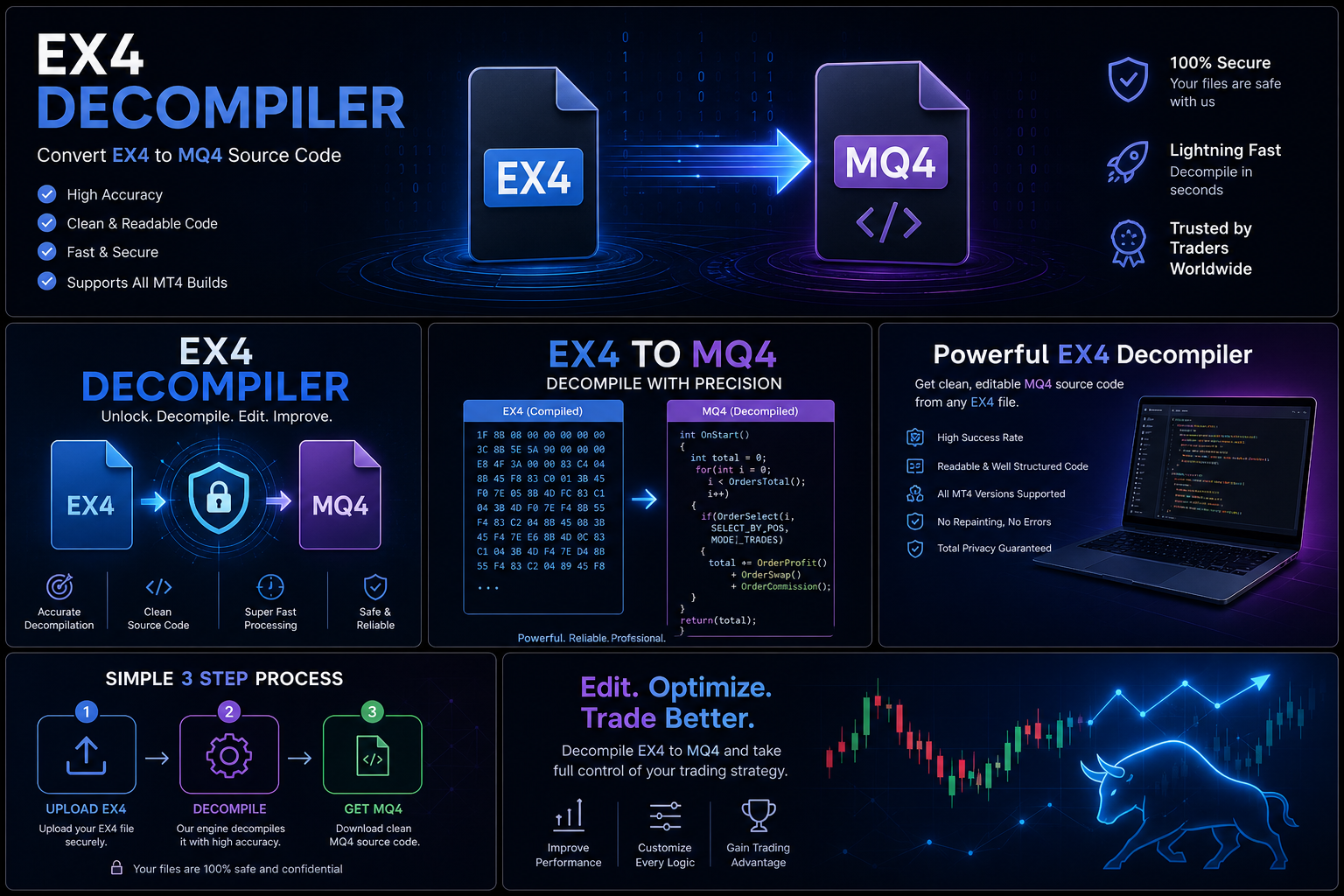
An EX4 file is the compiled executable version of an MQL4 program. It is generated when an MQ4 source file is compiled in MetaEditor.
EX4 files allow MetaTrader 4 to execute:
- Expert Advisors (EAs)
- Custom indicators
- Scripts
- Libraries
Unlike MQ4 source files, EX4 files are intended to be run by the platform rather than edited directly.
What Is an MQ4 File?
An MQ4 file contains the original source code written in the MQL4 programming language.
Developers use MQ4 files to:
- Create automated trading strategies
- Build indicators
- Test and debug code
- Add features
- Correct bugs
- Maintain existing projects
When development is complete, the source is compiled into an EX4 file for execution.
How EX4 Files Are Created
A typical development workflow looks like this:
- Write the trading program in MQL4.
- Test the code in MetaEditor.
- Fix errors and optimize performance.
- Compile the project.
- Generate the EX4 file.
- Load the EX4 file into MetaTrader 4.
This process transforms editable source code into an executable format suitable for MT4.
What Can EX4 Files Be Used For?
EX4 files can represent a variety of trading tools, including:
Expert Advisors
Programs that automate trading decisions according to predefined rules.
Custom Indicators
Chart-analysis tools that calculate and display technical information.
Scripts
Utilities that perform one-time actions, such as closing trades or exporting data.
Libraries
Reusable program components shared across multiple MQL4 projects.
Why Developers Distribute EX4 Files
Many developers provide EX4 files to customers because they are the format intended for running in MetaTrader 4 while the editable source is retained for ongoing maintenance and future updates.
This approach allows traders to use the software while developers continue improving the original project.
Advantages of EX4 Files
Using EX4 files offers several practical benefits:
- Ready to use in MetaTrader 4.
- Efficient execution within the platform.
- Easy distribution to end users.
- Supports commercial software deployment.
- Compatible with MT4 installations that support the compiled program.
Common Challenges
Although EX4 files are convenient to use, users may encounter issues such as:
Missing Source Code
Without the original MQ4 project, making changes to trading logic is generally not possible.
Version Compatibility
Older compiled programs may require updates or recompilation by the developer to work with newer platform versions.
Installation Errors
Placing files in the wrong MT4 folder or using an incompatible platform version can prevent an EA or indicator from loading correctly.
Best Practices for Developers
If you create trading software:
- Keep multiple backups of your MQ4 source files.
- Use version control.
- Document project changes.
- Test before every release.
- Archive stable versions.
- Maintain clear licensing terms for customers.
These practices help reduce the risk of losing valuable development work.
Best Practices for Traders
If you use commercial Expert Advisors:
- Download software only from trusted developers.
- Keep copies of your purchase receipts and license information.
- Install updates provided by the developer.
- Follow the installation instructions carefully.
- Contact the developer if you need support or compatibility updates.
Frequently Asked Questions
Can I open an EX4 file?
An EX4 file is designed for execution in MetaTrader 4 rather than editing. If you need to modify a trading program, you’ll typically need the original MQ4 source from the developer.
Why do developers keep the MQ4 file?
The MQ4 file is the editable project used to maintain, improve, and update the software over time.
Should I back up EX4 files?
Yes. Traders should keep copies of the software they are licensed to use, while developers should prioritize backing up their MQ4 source code along with release builds.
Why are EX4 files important?
EX4 files are the format that allows automated trading programs to run within MetaTrader 4, making them a core part of the platform’s ecosystem.
Conclusion
EX4 files are an essential component of MetaTrader 4. They enable Expert Advisors, indicators, scripts, and other trading tools to run efficiently within the platform, while the corresponding MQ4 source remains the editable version used by developers.
Whether you’re a trader using commercial software or a developer building your own trading systems, understanding the role of EX4 files helps you make better decisions about installation, maintenance, backups, and long-term project management.
As automated trading continues to evolve, maintaining organized development practices and protecting your original source code will remain just as important as creating effective trading strategies.