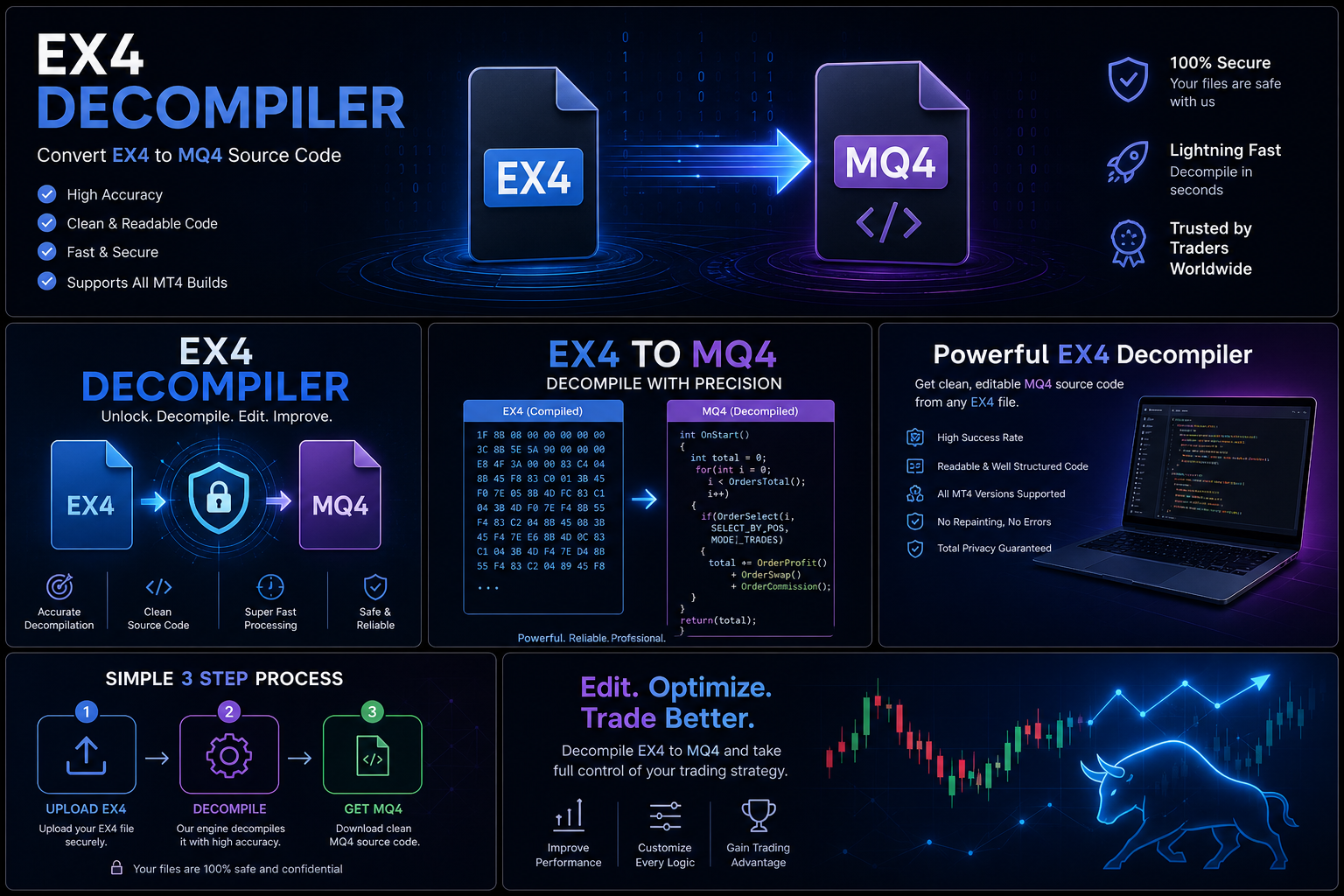

EX4 & EX5 FAQ: Frequently Asked Questions About MetaTrader Files (2026 Guide)
Meta Title: EX4 & EX5 FAQ: Complete MetaTrader File Questions and Answers (2026)
Meta Description: Find answers to the most common EX4 and EX5 questions, including file types, Expert Advisors, MQ4, MQ5, licensing, compatibility, recovery, and best practices.
EX4 & EX5 FAQ: Frequently Asked Questions About MetaTrader Files
Introduction
MetaTrader platforms are widely used by traders, developers, and financial technology companies around the world. Two of the most important file formats in the MetaTrader ecosystem are EX4 and EX5.
These files are used for running automated trading applications, including Expert Advisors (EAs), indicators, and scripts.
However, many users have questions about what these files are, how they work, how they differ, and how to properly manage them.
This FAQ answers the most common questions about EX4, EX5, MQ4, and MQ5 files.
General EX4 & EX5 Questions
What is an EX4 file?
An EX4 file is a compiled application file used by MetaTrader 4.
It is created from MQL4 source code and allows MetaTrader 4 to run:
- Expert Advisors
- Custom indicators
- Scripts
- Libraries
What is an EX5 file?
An EX5 file is the compiled application format used by MetaTrader 5.
It is created from MQL5 source code and allows MetaTrader 5 to run:
- Expert Advisors
- Indicators
- Scripts
EX5 files are designed specifically for the MT5 environment.
What is the difference between EX4 and EX5?
The main difference is the platform they belong to:
EX4
- Used by MetaTrader 4
- Created from MQL4 source code
EX5
- Used by MetaTrader 5
- Created from MQL5 source code
They are built for different trading platforms and development environments.
Source Code Questions
What are MQ4 and MQ5 files?
MQ4 and MQ5 files are source code files used by developers.
- MQ4 belongs to MetaTrader 4 development.
- MQ5 belongs to MetaTrader 5 development.
They contain the editable programming instructions used to create EX4 and EX5 applications.
Why is source code important?
Source code allows developers to:
- Update software
- Fix bugs
- Add features
- Improve performance
- Maintain compatibility
Without original source files, making future changes can become more difficult.
Why do developers keep source code private?
Source code may contain:
- Trading logic
- Programming techniques
- Research methods
- Business information
Many developers protect their source code as intellectual property.
Expert Advisor Questions
What is an Expert Advisor?
An Expert Advisor (EA) is an automated trading program that runs inside MetaTrader.
EAs can help traders automate:
- Trade execution
- Market analysis
- Risk management processes
- Trading strategies
Are EX4 and EX5 files only used for EAs?
No.
They can also be used for:
- Custom indicators
- Scripts
- Trading utilities
- Libraries
Why is my Expert Advisor not working?
Common causes include:
- Incorrect installation
- Platform compatibility issues
- Missing files
- Incorrect settings
- Licensing requirements
Always check the developer’s instructions first.
Installation Questions
Where should EX4 files be installed?
EX4 files are normally placed inside the appropriate MetaTrader 4 data folders, depending on whether they are:
- Expert Advisors
- Indicators
- Scripts
The correct location depends on the file type.
Where should EX5 files be installed?
EX5 files belong to MetaTrader 5 and should be installed in the corresponding MT5 folders.
Why does MetaTrader not show my file?
Possible reasons:
- Wrong folder location
- Platform not restarted
- File compatibility problems
- Incorrect MetaTrader version
Compatibility Questions
Can EX4 files run on MetaTrader 5?
No. EX4 files are designed for MetaTrader 4, while EX5 files are designed for MetaTrader 5.
Can EX5 files run on MetaTrader 4?
No. EX5 files require the MetaTrader 5 environment.
Why do some older EAs stop working?
Possible reasons include:
- Platform updates
- Changes in trading conditions
- Outdated development practices
- Missing dependencies
Licensing and Protection Questions
Why do some EAs require activation?
Commercial developers may use licensing systems to:
- Manage customer access
- Prevent unauthorized distribution
- Provide controlled support
What should I do if my EA license does not work?
Recommended steps:
- Check your purchase information
- Verify account details
- Contact the original developer
- Review licensing instructions
Why do developers protect their Expert Advisors?
Developing an EA requires time and investment.
Protection helps developers maintain:
- Business sustainability
- Software quality
- Customer support
- Product updates
Recovery and Maintenance Questions
What should I do if I lose my MQ4 or MQ5 source file?
Consider:
- Checking backups
- Searching cloud storage
- Reviewing old computers
- Contacting the original developer
- Checking version control systems
Can every lost source file be recovered?
No. Recovery depends on available backups, documentation, and the specific circumstances.
The best solution is preventing source loss through proper backup systems.
Security Questions
How can developers protect their MetaTrader projects?
Best practices include:
- Using version control
- Keeping multiple backups
- Securing access
- Documenting projects
- Maintaining organized files
How can traders protect purchased EAs?
Traders should:
- Keep purchase records
- Download from trusted sources
- Store files safely
- Understand license terms
EX4 vs EX5 Comparison Table
|
Feature |
EX4 |
EX5 |
|
Platform |
MetaTrader 4 |
MetaTrader 5 |
|
Language |
MQL4 |
MQL5 |
|
Source File |
MQ4 |
MQ5 |
|
Used For |
EAs, indicators, scripts |
EAs, indicators, scripts |
|
Environment |
MT4 |
MT5 |
Final Thoughts
Understanding EX4 and EX5 files helps traders and developers work more effectively with MetaTrader platforms.
Whether you are managing an Expert Advisor, developing automated trading software, or using commercial trading tools, knowing how these files work is essential.
The best practices are simple:
- Protect your source code.
- Maintain reliable backups.
- Understand software licensing.
- Use trusted software providers.
- Keep your MetaTrader environment organized.
A strong understanding of EX4 and EX5 files helps create a safer and more efficient automated trading experience.