
Lost MQ4 File: What to Do Next? Complete MetaTrader 4 Recovery Guide (2026)
Meta Title: Lost MQ4 File? What to Do Next | MetaTrader 4 Source Code Recovery Guide
Meta Description: Lost your MQ4 file? Learn the steps to find missing MQL4 source code, restore backups, contact developers, and protect future MetaTrader projects.
Lost MQ4 File: What to Do Next?
Introduction
For MetaTrader 4 developers and traders, an MQ4 file is one of the most valuable parts of an Expert Advisor or custom indicator project.
The MQ4 file contains the original MQL4 source code that allows developers to maintain, update, and improve their software.
Losing an MQ4 file can be stressful, especially if the project contains months or years of development work.
However, there are several steps you can take to search for the missing file, restore previous versions, and prevent similar problems in the future.
Understanding the Importance of an MQ4 File
An MQ4 file is the editable source code used to create MetaTrader 4 applications.
It can contain:
- Expert Advisor logic
- Indicator calculations
- Trading rules
- Risk management systems
- User settings
- Development notes
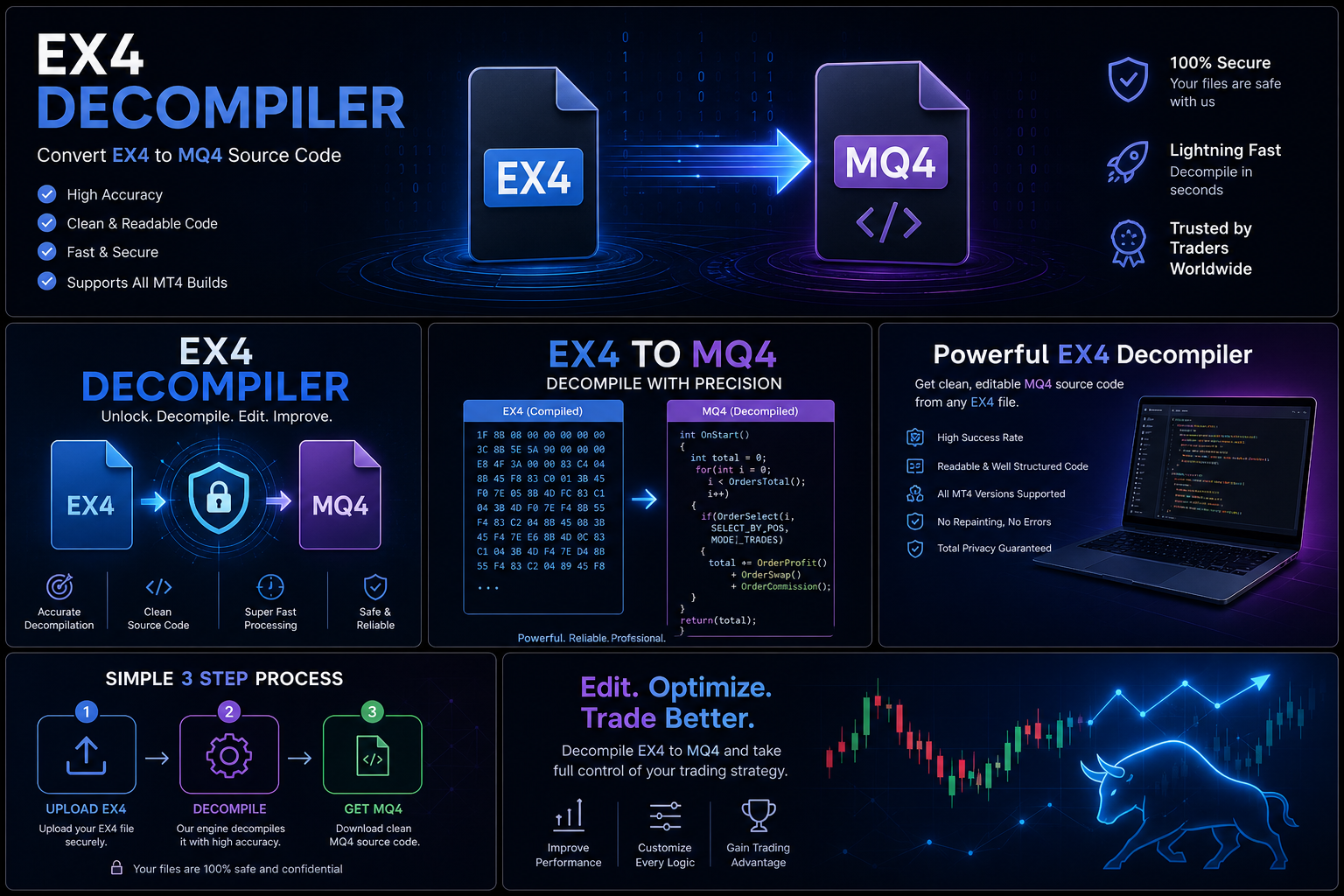
The MQ4 file is different from an EX4 file.
MQ4 = Editable source code
EX4 = Compiled application used by MT4
Common Reasons MQ4 Files Go Missing
1. Accidental Deletion
A file may be removed during:
- Folder cleanup
- Computer maintenance
- Storage organization
2. Computer Problems
Source files can disappear because of:
- Hard drive failure
- Operating system issues
- Damaged storage devices
3. Changing Computers
Developers sometimes forget to move older projects when upgrading equipment.
4. Poor File Organization
Projects can become difficult to locate when files are stored without a clear structure.
5. Team Changes
When developers or employees leave, important project files may not be transferred properly.
What To Do If You Lost Your MQ4 File
Step 1: Search Your Computer
Start with a complete search of your devices.
Check:
- MT4 folders
- Development folders
- Documents
- Downloads
- External drives
- Archived folders
Search terms may include:
- .mq4
- Project names
- EA names
- Indicator names
Step 2: Check Backup Locations
Look through:
- Cloud storage
- External hard drives
- Backup software
- Archived computers
Many developers discover lost projects in old backups.
Step 3: Check Version Control Systems
Professional developers often store projects using version control.
Version control can help restore:
- Previous versions
- Deleted files
- Older project changes
Step 4: Contact Previous Developers
If someone else helped create the EA or indicator, they may still have:
- Source files
- Project backups
- Documentation
Step 5: Review Available Documentation
Even without the MQ4 file, collect any information related to the project:
- Trading strategy notes
- User manuals
- Settings files
- Testing results
- Previous versions
This information can help with future maintenance.
What If You Cannot Find the MQ4 File?
If the original MQ4 source is unavailable, the next steps depend on ownership, available information, and project requirements.
Possible options include:
Rebuilding an Authorized Project
For software you own or are authorized to maintain, rebuilding may create a new maintainable version.
This may involve:
- Reviewing requirements
- Recreating functionality
- Improving documentation
- Updating the software structure
Contacting the Original Creator
The original developer may still have the source code or be able to provide maintenance assistance.
How to Prevent Losing MQ4 Files Again
Maintain Multiple Backups
Keep copies in different locations.
A good backup strategy may include:
- Local storage
- External drives
- Cloud storage
Use Version Control
Version control allows developers to:
- Track changes
- Restore older versions
- Manage updates safely
Organize Projects Properly
Use clear folders for:
- Source code
- Documentation
- Testing results
- Releases
Protect Development Files
Use:
- Secure storage
- Access management
- Regular backup schedules
Common Questions About Lost MQ4 Files
Can I recover a deleted MQ4 file?
Recovery depends on where the file was stored, whether backups exist, and the condition of the storage device.
Is an EX4 file the same as an MQ4 file?
No. An EX4 file is a compiled application, while an MQ4 file is the editable source code.
Why should developers protect MQ4 files?
MQ4 files contain the original programming logic and allow future updates and maintenance.
How do professional developers manage source files?
They use backups, version control, documentation, and secure storage systems.
Conclusion
Losing an MQ4 file does not always mean a project is permanently lost. The first steps should always be searching existing locations, checking backups, reviewing development history, and contacting anyone who may have a copy.
For future projects, professional file management is essential. Regular backups, version control, and proper documentation can protect valuable MetaTrader 4 development work.
Your source code is the foundation of your software—protecting it from the beginning is the best recovery strategy.