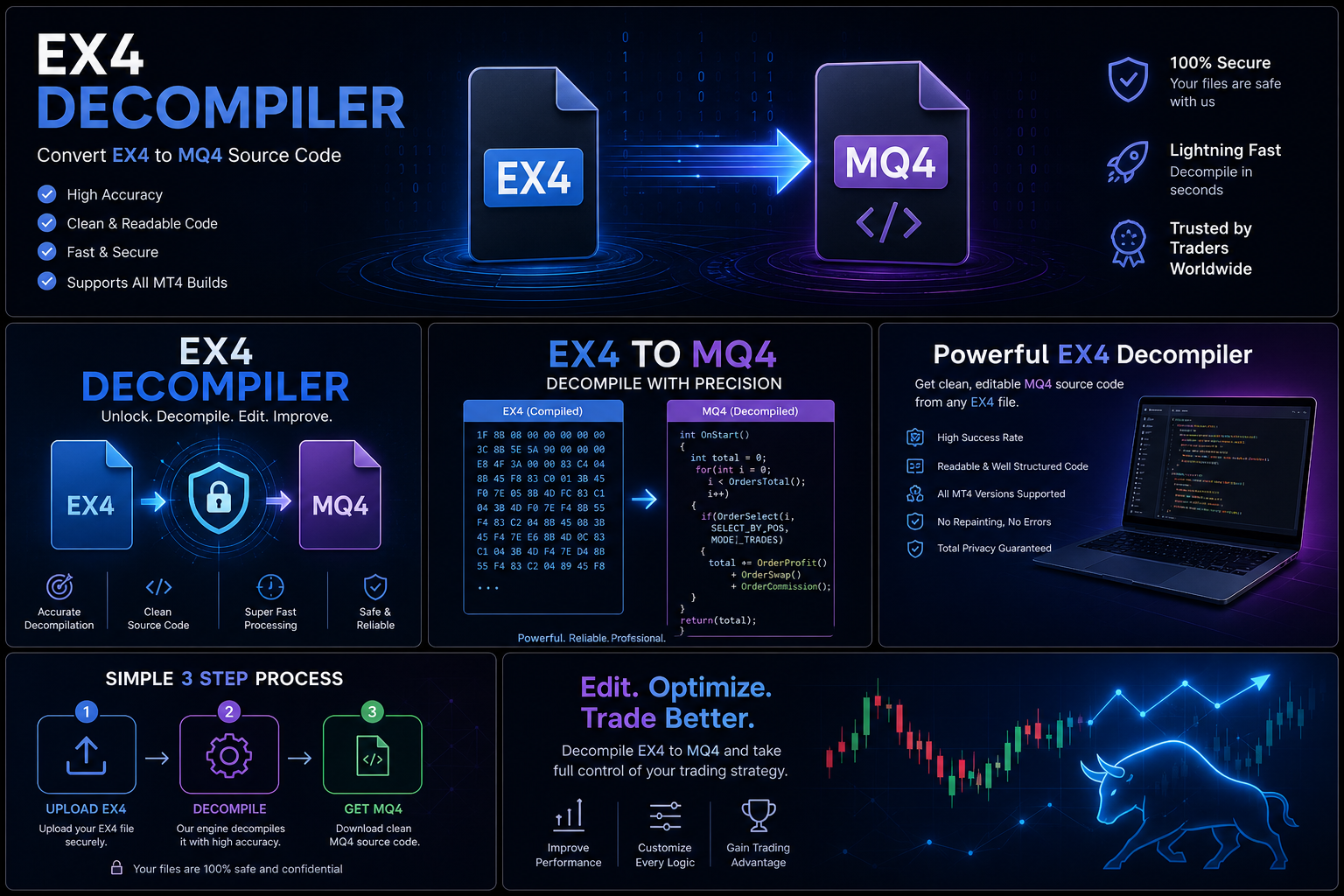

EX4 File Locked: Understanding the Causes, Solutions, and Best Practices (2026 Guide)
Meta Title: EX4 File Locked: Causes, Solutions & MetaTrader 4 Troubleshooting Guide
Meta Description: Is your EX4 file locked or not working in MetaTrader 4? Learn common causes, legitimate solutions, licensing issues, and best practices for managing Expert Advisors.
EX4 File Locked: Understanding the Causes, Solutions, and Best Practices
Introduction
MetaTrader 4 users sometimes encounter situations where an EX4 file appears to be “locked,” cannot run properly, or does not behave as expected.
This can be frustrating, especially when the file belongs to an important Expert Advisor (EA), indicator, or trading tool.
However, an EX4 file issue can happen for many different reasons. It may be related to licensing, compatibility, installation settings, missing requirements, or software configuration.
This guide explains common causes of EX4 file problems and the legitimate steps users can take to resolve them.
What Is an EX4 File?
An EX4 file is a compiled MetaTrader 4 application created from MQL4 source code.
It is commonly used for:
- Expert Advisors
- Custom indicators
- Scripts
- Trading utilities
EX4 files allow completed trading applications to run inside the MetaTrader 4 platform.
Why Does an EX4 File Become “Locked”?
The word “locked” can describe several different situations.
1. License Restrictions
Many commercial Expert Advisors use licensing systems to control access.
A developer may restrict usage based on:
- Account information
- Purchase verification
- Subscription status
- Authorized devices
If a license condition is not met, the software may stop working.
2. Expired Access
Some trading tools are sold with:
- Time-based licenses
- Subscription periods
- Limited usage terms
When access expires, the application may no longer function normally.
3. Compatibility Problems
An EX4 file may appear broken because it was created for a different MetaTrader environment.
Possible causes include:
- Platform updates
- Old software versions
- Missing dependencies
4. Missing Required Files
Some Expert Advisors require additional components, such as:
- Custom indicators
- Supporting files
- External resources
If these files are missing, the EA may fail to operate.
5. Incorrect Installation
Sometimes the issue is simply that the file is not installed correctly.
Common mistakes include:
- Wrong folder location
- Not restarting MetaTrader
- Incorrect platform selection
Legitimate Ways to Resolve EX4 Issues
Contact the Original Developer
The first and often best solution is contacting the software creator.
They may provide:
- License assistance
- Updated files
- Installation support
- Compatibility fixes
Check Your License Information
If you purchased the software, verify:
- Purchase details
- Account information
- License status
- Activation requirements
Review Installation Requirements
Make sure you have:
- The correct MetaTrader version
- Required supporting files
- Proper platform settings
Reinstall the Software
A clean installation can sometimes resolve configuration problems.
Before reinstalling:
- Save important settings
- Keep purchase records
- Follow official instructions
How Developers Protect Their EX4 Software
Professional EA developers often use protection systems to protect their work.
Common goals include:
- Preventing unauthorized distribution
- Managing customer licenses
- Supporting legitimate users
- Protecting development investment
Software protection helps developers continue improving their products.
How to Avoid Future EX4 Problems
Keep Purchase Records
Save:
- Receipts
- License information
- Developer contact details
Use Trusted Sources
Download Expert Advisors only from reliable providers.
Maintain Backups
Keep copies of:
- Purchased files
- Documentation
- Settings
Read License Terms
Understand:
- Usage rights
- Limitations
- Support policies
Frequently Asked Questions
Why is my EX4 file not working?
Common reasons include licensing problems, compatibility issues, missing files, or incorrect installation.
Can a developer unlock my EX4 file?
If you are the legitimate owner or user, the original developer is usually the best person to provide support or resolve licensing issues.
Why do some EAs require activation?
Commercial developers often use licensing systems to protect their software and provide controlled access to customers.
How can I protect my own Expert Advisor?
Use backups, proper licensing, secure development practices, and clear documentation.
Conclusion
An EX4 file that appears locked does not always indicate a technical failure. In many cases, the issue is related to licensing, compatibility, missing components, or installation problems.
The safest approach is to identify the cause, verify ownership and licensing information, and work with the original developer or authorized support channel.
For developers and traders, good software management practices—such as backups, documentation, and responsible licensing—are the best ways to prevent future problems with MetaTrader 4 applications.