
The Ultimate Guide to EX4 Files in 2026: Everything MetaTrader 4 Users Need to Know
Meta Title: The Ultimate Guide to EX4 Files in 2026 | Complete MetaTrader 4 Guide
Meta Description: Learn everything about EX4 files, how they work in MetaTrader 4, how they differ from MQ4 files, common uses, best practices, troubleshooting tips, and frequently asked questions.
Introduction
MetaTrader 4 (MT4) remains one of the most widely used trading platforms for retail Forex traders and algorithmic trading enthusiasts. Its flexibility, large developer community, and support for automated trading have made it a long-standing choice for traders around the world.
At the center of the MT4 ecosystem is the EX4 file. Whether you purchase a commercial Expert Advisor (EA), install a custom indicator, or use an automated trading script, you’ll almost always interact with an EX4 file.
Understanding what EX4 files are and how they fit into the development and deployment process is valuable for both traders and software developers. This guide explains their purpose, how they are created, their relationship with MQ4 source files, common use cases, installation tips, and best practices for managing MetaTrader projects.
What Is an EX4 File?
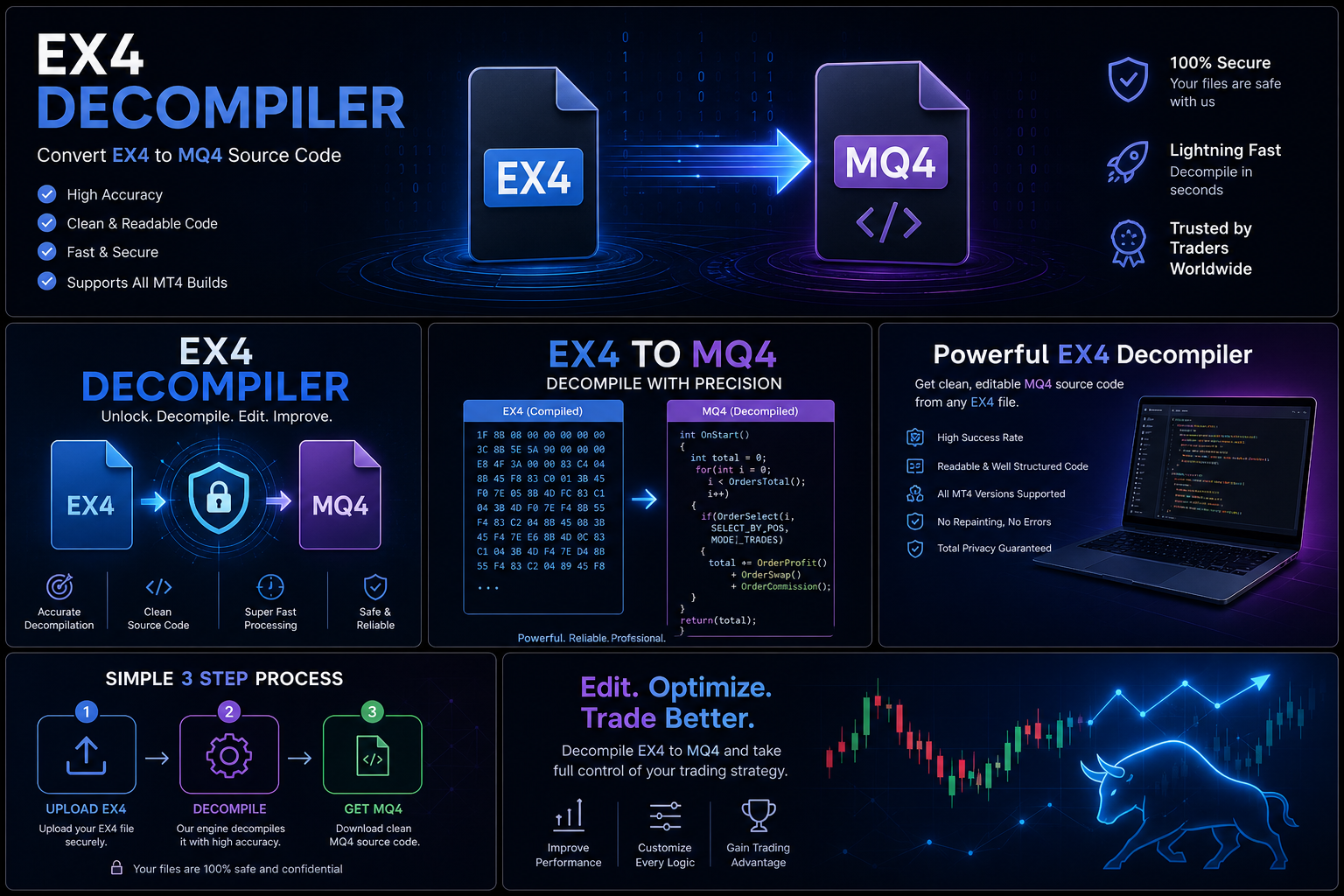
An EX4 file is the compiled executable version of a program written in the MQL4 programming language for MetaTrader 4.
Developers write source code in an MQ4 file. After testing and debugging, the project is compiled into an EX4 file that MetaTrader 4 can execute.
EX4 files are used for:
- Expert Advisors (EAs)
- Custom indicators
- Scripts
- Libraries
They are designed to run within MT4 rather than be edited directly.
What Is an MQ4 File?
An MQ4 file is the editable source code for a MetaTrader 4 application.
It contains the logic, structure, and instructions written by the developer. MQ4 files are typically opened in MetaEditor, where developers can:
- Build new trading strategies
- Modify existing projects
- Test functionality
- Fix bugs
- Improve performance
- Add features
After development is complete, the MQ4 project is compiled into an EX4 file for use in MT4.
The Development Workflow
A typical development process looks like this:
- Design the trading strategy.
- Write the source code in MQL4.
- Test the program using MetaEditor and the MT4 Strategy Tester.
- Refine and optimize the code.
- Compile the project into an EX4 file.
- Deploy the EX4 file to MetaTrader 4 for execution.
This workflow allows developers to maintain an editable project while distributing a runnable version to users.
Common Types of EX4 Programs
Expert Advisors (EAs)
EAs automate trading decisions based on predefined rules. They can analyze market conditions and place or manage trades automatically according to the strategy designed by the developer.
Custom Indicators
Indicators process market data and display technical information on charts to help traders identify trends, momentum, or potential trading opportunities.
Scripts
Scripts perform one-time actions, such as closing all open positions, exporting account information, or modifying chart settings.
Libraries
Libraries contain reusable code that can be shared across multiple MQL4 projects, improving code organization and reducing duplication.
Advantages of EX4 Files
EX4 files offer several benefits:
- Ready to run in MetaTrader 4.
- Convenient for distributing trading applications.
- Efficiently executed by the MT4 platform.
- Suitable for commercial and personal software deployment.
- Help separate the executable application from the editable development project.
Best Practices for Developers
Professional developers should:
- Keep multiple backups of MQ4 source files.
- Use version control systems.
- Document important changes.
- Organize project folders clearly.
- Archive stable releases.
- Test software thoroughly before publishing.
- Maintain clear licensing and support policies.
Good development practices reduce the risk of data loss and make long-term maintenance much easier.
Best Practices for Traders
If you use EX4-based software:
- Download it only from trusted sources.
- Follow installation instructions carefully.
- Keep your MetaTrader 4 platform updated.
- Save copies of your purchase receipts and license information.
- Contact the original developer if you need updates or support.
These habits help ensure a reliable experience and reduce compatibility issues.
Troubleshooting Common Issues
The EA Does Not Appear in Navigator
Check that the EX4 file has been copied to the correct Experts, Indicators, or Scripts folder within the MT4 data directory, then restart or refresh the platform.
The Program Does Not Run
Ensure that your MetaTrader 4 installation supports the compiled file and that any required settings—such as enabling automated trading for an EA—are configured appropriately.
Compatibility Problems
If an older application is no longer compatible with your version of MT4, contact the original developer to determine whether an updated release is available.
Frequently Asked Questions
What is the purpose of an EX4 file?
An EX4 file allows MetaTrader 4 to execute Expert Advisors, indicators, scripts, and libraries created in MQL4.
Can I edit an EX4 file?
EX4 files are intended for execution. If changes are required, the original MQ4 source file is generally needed.
Why should developers keep MQ4 backups?
MQ4 files contain the editable source code used for maintenance, updates, bug fixes, and future development.
Why are EX4 files commonly distributed?
They are the standard executable format for MetaTrader 4 applications, making them suitable for installation and use by traders.
Final Thoughts
EX4 files are a cornerstone of the MetaTrader 4 ecosystem. They enable automated trading tools, indicators, and scripts to run efficiently within the platform while allowing developers to maintain their original source code separately.
Whether you’re a trader using commercial software or a developer creating your own applications, understanding the role of EX4 files will help you manage your trading tools more effectively. By following good development practices, maintaining reliable backups, and working with trusted software providers, you can build a more secure and dependable MetaTrader 4 experience.