
Cannot Modify EX4 File in MT4? Causes, Limitations, and Solutions (2026 Guide)
Meta Title: Cannot Modify EX4 File in MT4? Reasons, Limitations & Solutions
Meta Description: Learn why EX4 files cannot be directly modified in MetaTrader 4, the difference between EX4 and MQ4 files, and the best solutions for maintaining MT4 applications.
Cannot Modify EX4 File in MT4? Causes, Limitations, and Solutions
Introduction
MetaTrader 4 users often work with Expert Advisors (EAs), custom indicators, and scripts that come in the form of EX4 files. These applications allow traders to automate strategies and improve their trading workflow.
A common question among users is:
“Why can’t I modify my EX4 file?”
The answer comes down to understanding the difference between a compiled application and the original source code used to create it.
This guide explains why EX4 files are not normally editable, what options are available when changes are needed, and how developers can avoid future problems.
What Is an EX4 File?
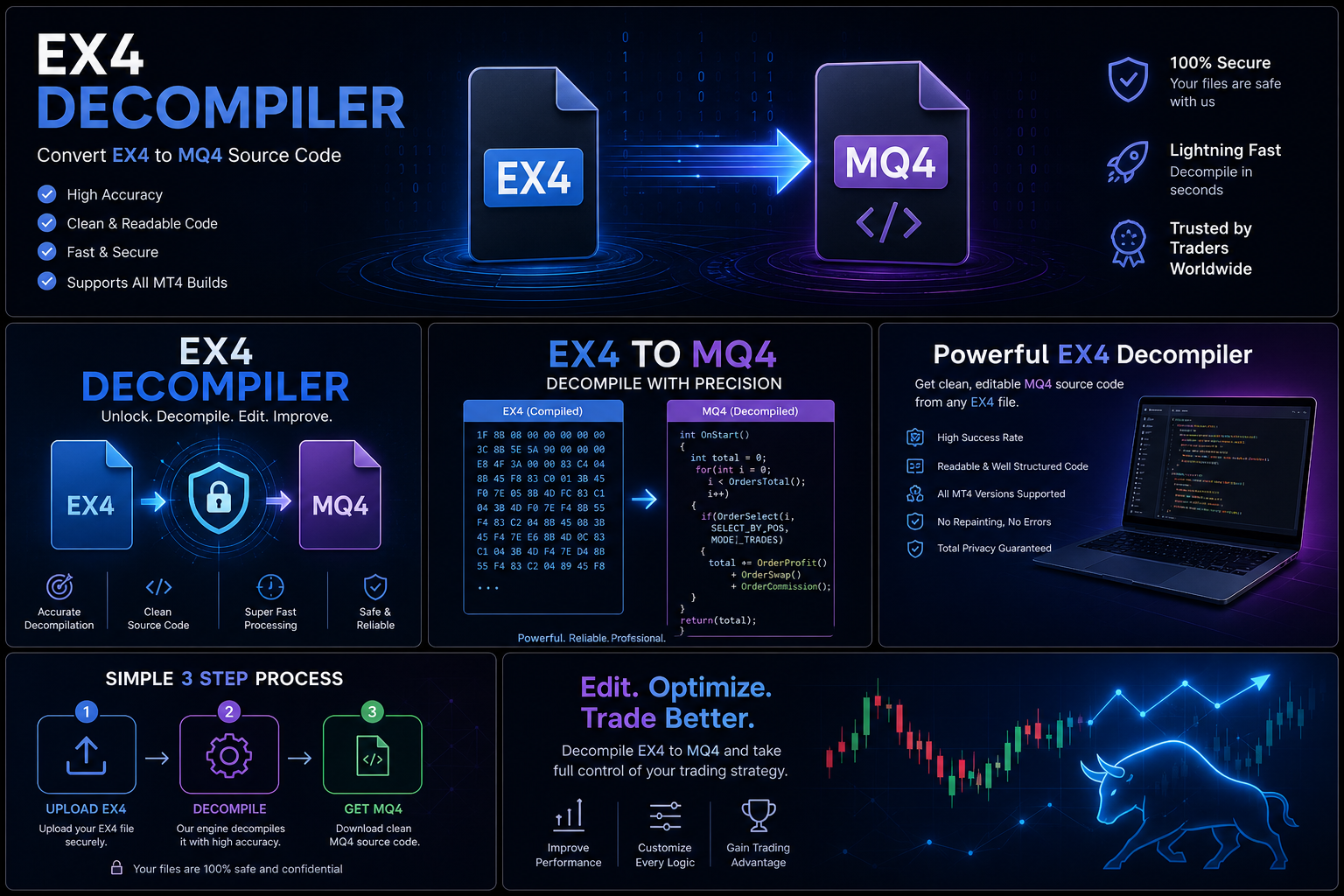
An EX4 file is a compiled application format used by MetaTrader 4.
It allows MT4 to run:
- Expert Advisors
- Custom indicators
- Scripts
- Libraries
EX4 files are created from MQL4 source files during the software development process.
What Is an MQ4 File?
An MQ4 file is the original editable source code written in MQL4.
Developers use MQ4 files to:
- Create automated trading systems
- Modify existing applications
- Fix errors
- Add new features
- Improve performance
The normal development process is:
MQ4 Source Code → Compilation → EX4 Application
Why Can’t You Modify an EX4 File?
1. EX4 Is a Compiled File
EX4 files are designed to run inside MetaTrader 4, not to be edited like a normal document.
The editable development environment is the MQ4 source file.
2. Source Code and Executable Files Are Different
During development, programmers work with source code.
After compilation, the result is an executable file designed for the platform.
These two files serve different purposes.
3. Development Information May Not Be Available
Source code contains information that helps developers maintain projects, such as:
- Structure
- Organization
- Comments
- Development notes
Compiled applications do not function the same way as original development files.
Common Reasons Users Want to Modify EX4 Files
Changing Trading Rules
A trader may want to adjust:
- Entry conditions
- Exit rules
- Risk settings
- Trading parameters
Adding Features
Users may want additional functionality, such as:
- New options
- Additional indicators
- Different settings
Fixing Compatibility Issues
Older Expert Advisors may require updates due to:
- Platform changes
- Broker requirements
- New operating environments
Legitimate Ways to Modify an MT4 Application
1. Use the Original MQ4 Source Code
The recommended approach is working with the original source project.
With MQ4 files, developers can:
- Open the project in MetaEditor
- Make changes
- Test updates
- Compile a new version
2. Contact the Original Developer
If you purchased an EA or indicator, the developer may be able to:
- Make requested changes
- Provide updates
- Fix issues
- Offer customization
3. Rebuild Authorized Software
If you own the rights to a project but no longer have the source files, rebuilding may be a practical option.
This can create a cleaner and more maintainable solution.
How Developers Prevent EX4 Problems
Professional developers use good project management practices.
Keep Source Code Backups
Maintain multiple secure copies of MQ4 projects.
Use Version Control
Track changes and preserve previous versions.
Document Development
Record:
- Features
- Updates
- Settings
- Technical decisions
Store Files Securely
Protect important project files from accidental loss.
EX4 Troubleshooting Checklist
If an EX4 file is not working correctly, check:
✓ Is the file installed in the correct MT4 folder?
✓ Is automated trading enabled?
✓ Are required files installed?
✓ Is the EA compatible with your MT4 version?
✓ Have you contacted the original developer?
Frequently Asked Questions
Can I edit an EX4 file directly?
EX4 files are compiled applications designed for execution. The normal way to make changes is through the original MQ4 source code.
What file do MT4 developers edit?
Developers normally edit MQ4 source files and compile them into EX4 files.
Why do developers distribute EX4 files instead of MQ4 files?
Compiled files allow users to run applications while developers maintain control of their original projects.
What should I do if I lose my MQ4 file?
Check backups, contact the original developer, or consider rebuilding an authorized project.
Conclusion
If you cannot modify an EX4 file in MT4, it is usually because EX4 is a compiled application rather than an editable source project.
The most reliable solution is to work with the original MQ4 source code or contact the authorized developer for assistance.
For long-term success with MetaTrader projects, developers should always maintain backups, use version control, and protect their source code throughout the software development lifecycle.