
Recover Lost MQ4 Source Code: Complete Guide for MetaTrader 4 Developers (2026)
Meta Title: Recover Lost MQ4 Source Code: MetaTrader 4 Recovery Guide (2026)
Meta Description: Learn how to recover lost MQ4 source code, prevent source-code loss, understand recovery options, and protect your MetaTrader 4 Expert Advisor projects.
Recover Lost MQ4 Source Code: Complete Guide for MetaTrader 4 Developers
Introduction
For MetaTrader 4 developers, the MQ4 source file is one of the most important parts of any trading software project.
An MQ4 file contains the original MQL4 programming code used to create:
- Expert Advisors (EAs)
- Custom indicators
- Trading scripts
- Automated trading tools
Losing an MQ4 source file can create serious problems. Without the original project, developers may struggle to update software, fix issues, or add new features.
This guide explains why MQ4 files are valuable, common reasons they are lost, recovery options, and how developers can prevent future data loss.
What Is an MQ4 Source Code File?
An MQ4 file is a source code file written in the MQL4 programming language.
Developers use MQ4 files inside the MetaTrader development environment to create and maintain trading applications.
An MQ4 project may contain:
- Trading logic
- Indicator calculations
- Risk management rules
- User settings
- Software structure
The MQ4 file represents the editable version of a MetaTrader 4 application.
Why MQ4 Source Code Is Important
Source code gives developers the ability to:
Update Software
Developers can improve existing applications and adapt them to changing requirements.
Fix Errors
Programming issues can be identified and corrected.
Add Features
New functionality can be introduced without rebuilding the entire project.
Maintain Long-Term Support
Having source code allows continued development over time.
Common Reasons MQ4 Files Are Lost
1. Computer Failure
Hardware problems can cause important project files to disappear.
Examples include:
- Hard drive failure
- Operating system problems
- Damaged storage devices
2. Accidental Deletion
Developers may accidentally remove important files while organizing projects or cleaning storage.
3. Lost Development Environment
Older projects may become difficult to locate after:
- Changing computers
- Reinstalling software
- Moving offices
- Changing teams
4. Poor Backup Practices
Many source-code losses happen because projects exist in only one location.
5. Team Changes
When developers leave a project, source files and documentation may become difficult to access.
Steps to Find Lost MQ4 Source Code
Check Previous Locations
Search:
- Old computers
- External storage devices
- Archived folders
- Project directories
Review Cloud Storage
Check services where files may have been automatically synchronized.
Examples include:
- Cloud drives
- Backup services
- Archived project folders
Check Version Control Systems
Professional developers often use version control to store project history.
This can help locate:
- Previous versions
- Deleted files
- Development changes
Contact Previous Developers
If another developer worked on the project, they may still have copies of the original files.
What If the Original MQ4 File Cannot Be Found?
When the original source file is unavailable, developers should evaluate available options based on ownership, documentation, and project requirements.
Possible approaches include:
Rebuilding the Project
For software you own or are authorized to maintain, rebuilding may provide a fresh development version.
A rebuild can include:
- Improved structure
- Updated features
- Better documentation
- Modern development practices
Reviewing Existing Resources
Helpful resources may include:
- Project notes
- Strategy documents
- User manuals
- Testing reports
- Previous releases
Preventing Future MQ4 Source Code Loss
The best recovery strategy is prevention.
Use Multiple Backups
Store copies in different locations.
A professional backup strategy may include:
- Local storage
- External storage
- Cloud backup
Use Version Control
Version control helps developers:
- Track changes
- Restore previous versions
- Collaborate safely
Document Projects
Maintain information about:
- Software features
- Development decisions
- Updates
- Dependencies
Organize Development Files
A clear folder structure makes future maintenance easier.
Protecting MetaTrader 4 Projects
Professional EA developers should treat source code as a valuable business asset.
Good practices include:
- Restricting unnecessary access
- Maintaining secure storage
- Keeping regular backups
- Documenting ownership
- Managing project versions
Frequently Asked Questions
What is an MQ4 source file?
An MQ4 file contains the editable MQL4 programming code used to create MetaTrader 4 applications.
Why is MQ4 source code valuable?
It allows developers to update, maintain, and improve their trading software.
Can lost MQ4 files always be recovered?
No. Recovery depends on available backups, storage conditions, and project history.
How can I avoid losing MQ4 source code?
Use backups, version control, secure storage, and proper documentation.
Is an EX4 file the same as an MQ4 file?
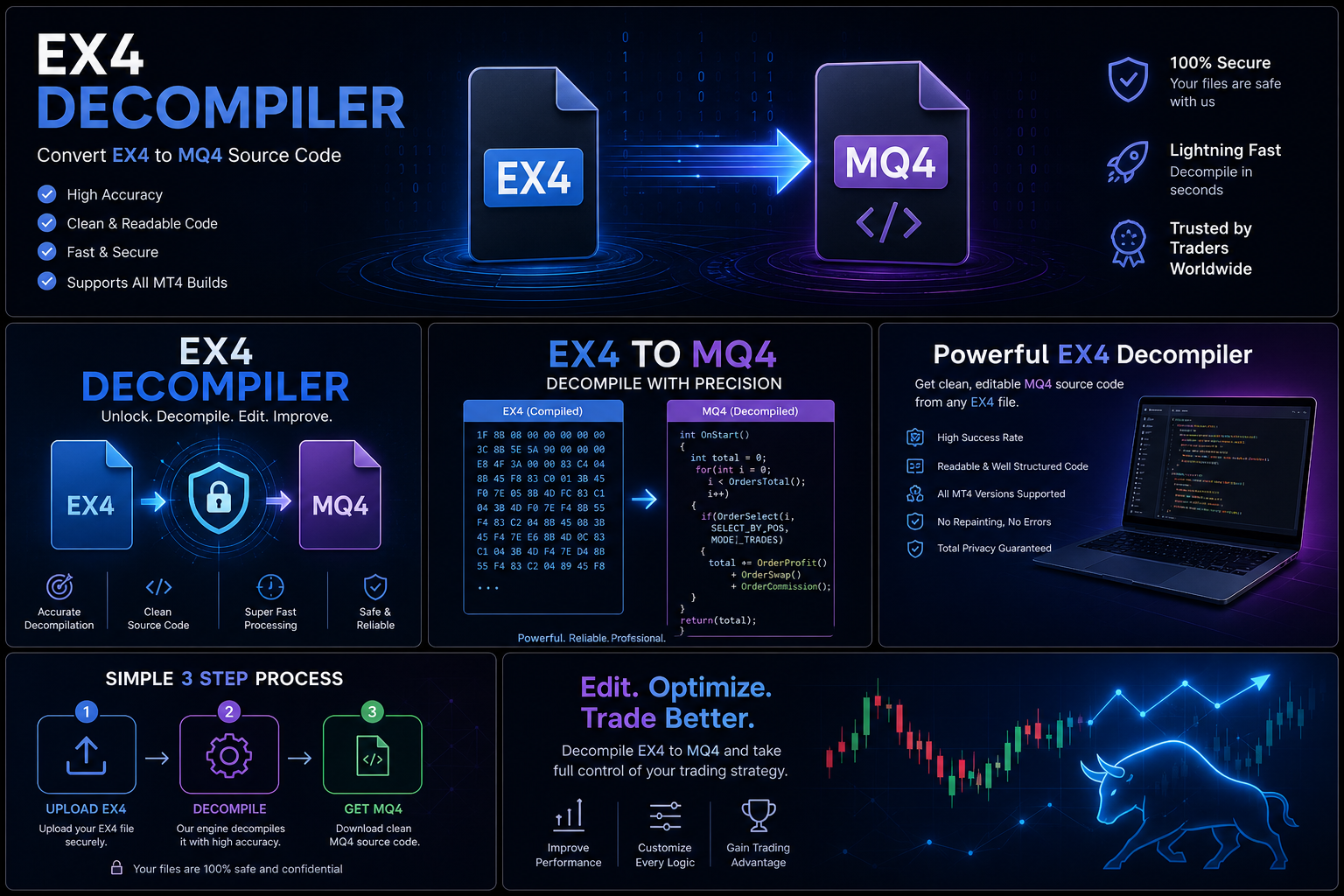
No. EX4 is a compiled application file, while MQ4 is the editable source code.
Conclusion
Losing an MQ4 source file can be a major challenge for MetaTrader 4 developers, especially when the project contains valuable trading logic and years of development work.
The best approach is to first search existing backups, archives, and development environments. If the original project cannot be located, authorized rebuilding and professional software maintenance may provide a path forward.
Most importantly, developers should prevent future losses by using reliable backups, version control, documentation, and secure project management practices.
Protecting source code is one of the most important steps in building a successful long-term MetaTrader development workflow.