
Why Forex Expert Advisors Stop Working and How to Get Them Running Again
Why Forex Expert Advisors Stop Working and How to Get Them Running Again
Table of Contents
- Categorizing the Symptoms
- Market Regime Changes
- Broker-Side Changes That Break EAs
- MT4 Platform Updates and Compatibility
- Bugs Exposed by Specific Conditions
- MT4 Error Code Reference
- Systematic Diagnosis Process
- When Source Code Access Is the Solution
- Preventive Maintenance for Long-Running EAs
Few trading experiences are more perplexing than watching an Expert Advisor that produced solid returns for months or even years suddenly begin underperforming or failing to trade at all. The temptation is to assume the strategy is permanently broken or that market conditions have shifted against it forever. In reality, the cause is usually more specific and, in many cases, addressable.
This guide covers the full range of reasons an EA might stop working as expected, how to diagnose which category your problem falls into, and what remedies are available for each including when source code access becomes the essential tool for meaningful repair.
Categorizing the Symptoms
Before diving into causes, it helps to identify precisely what "stopped working" means in your case because different symptoms point toward different root causes:
- No trades being placed The EA is attached and running (smiley face in the top right corner), but opening no positions. Could be: signal conditions not met, trading disabled at input level, account restrictions, or a runtime error silently preventing execution.
- Trades placed but immediately closed at a loss Possible execution issue, spread condition mismatch, or incorrect stop loss placement logic.
- Trades placed with wrong lot sizes Lot sizing formula may be calculating incorrectly due to account type change, leverage change, or a balance threshold edge case.
- Performance degraded but still trading Market regime change (most common long-term cause), or strategy parameters that were optimized for past conditions performing poorly in current conditions.
- Error messages in the Experts tab MT4 is reporting specific runtime errors. The error code is the most direct diagnostic clue available.
- EA crashes or fails to initialize Platform compatibility issue, DLL dependency failure, or a critical initialization error in OnInit().
Note which of these categories matches your situation before proceeding it will focus the diagnostic process significantly.
Market Regime Changes
This is the most common cause of gradual, sustained performance degradation and the one that most developers are reluctant to acknowledge because it implies the strategy itself needs revision rather than a quick fix.
Every successful trading strategy exploits a market inefficiency or structural tendency. The key insight is that these tendencies are not permanent. Markets cycle through different regimes:
- Trending vs. ranging: Trend-following systems thrive in strongly trending markets and struggle in ranging, choppy conditions. Mean-reversion systems do the opposite. If your EA performs well in one regime and is now in the other, performance degradation is expected.
- Volatility cycles: Many strategies are calibrated to specific volatility levels. A strategy built around average true range (ATR) values from a low-volatility period will behave differently as volatility expands positions may be stopped out more frequently, or not be opened at all if the ATR-based entry conditions generate different signals at different volatility levels.
- Correlation changes: Currency pair correlations change over time. An EA built to trade EUR/USD and GBP/USD independently during a period when they were weakly correlated may produce poor results when correlations tighten significantly.
How to diagnose regime change: Run a backtest for the last 3–6 months only, on the same settings the EA has been using. Compare this to a backtest from an equivalent earlier period when performance was good. If the recent period shows materially worse performance even in backtesting, regime change is likely the cause.
What to do: Without source code, options are limited to adjusting input parameters. With source code access obtained through professional decompilation if the original file was lost you can make substantive changes to adapt the strategy to current conditions: different indicator periods, updated filters, modified position sizing.
Broker-Side Changes That Break EAs
Brokers change their technical environments regularly, and these changes can break EAs in ways that are not immediately obvious from the outside:
Spread Changes
If your EA was optimized at a time when your broker offered 1-pip spreads on EUR/USD and they have since widened to 1.5 pips during your primary trading hours, a tight scalping system may no longer be profitable. The EA is executing exactly as designed but the spread increase erodes the margin that made each trade positive. This is particularly impactful on scalping strategies that target 5–10 pip gains.
Minimum Stop Distance Changes
Brokers impose minimum distances between the current price and stop loss or take profit levels. If your broker increased their minimum stop distance and your EA sets stops closer than this new minimum, you will see Error 130 (Invalid stops) in the Journal tab and no trades will be opened or stops will be silently moved to the minimum distance, changing the EA's risk management behavior entirely.
Server Address or Port Changes
Brokers periodically migrate trading servers or change connection parameters. EAs with hardcoded broker connection validation logic may malfunction when server addresses change. This is particularly common with EAs that have license validation tied to specific server hostnames or IP addresses.
Leverage Reduction
Regulatory changes across various jurisdictions have forced many brokers to reduce maximum leverage. If an EA's lot sizing formula assumes 500:1 leverage and your broker now caps at 30:1, the margin requirement per lot may cause the EA's minimum position sizes to exceed available free margin preventing any trades from opening, or causing trades to close prematurely as free margin becomes insufficient.
Account Type Changes
Some EAs behave differently on ECN versus STP versus market-maker account types, particularly around how orders are executed and whether requotes occur. If your broker migrated your account type, behavior may change. Check your broker's communications and account settings to rule this out.
MT4 Platform Updates and Compatibility
MetaTrader 4 continues to receive occasional updates despite being a mature platform. These updates can affect EAs in several ways:
Build Version Compatibility Changes
Very rarely, MT4 updates change how the runtime handles specific built-in function calls or modify the behavior of certain operations. An EA compiled against an older build may behave differently after a runtime update. Recompiling the EA against the current build usually resolves this but recompilation requires source code access.
Security Updates Affecting DLL Calls
Some EAs call external DLL files for functionality beyond what MQL4 provides natively. Platform security updates can change how MT4 handles DLL calls requiring user confirmation, restricting certain system calls, or changing how DLL-returned values are handled. Check whether DLL calls are being blocked or producing different results after any platform update.
Data Feed Changes
MetaQuotes periodically updates the data feed infrastructure. If an EA relies on specific tick behavior or bar data characteristics that changed in the updated feed, results can shift unexpectedly. This is more common with custom tick-dependent strategies than with standard bar-based systems.
Bugs Exposed by Specific Conditions
Many EA bugs lie dormant for months, only triggered by specific market conditions that occur infrequently. These bugs can appear suddenly even in EAs that have been running problem-free:
Weekend Gap Handling
Markets gap between Friday close and Sunday open. EAs that do not properly handle gap conditions may have positions sized or placed incorrectly on Sunday opens. This bug may never appear in backtests that smooth over gap data.
High Volatility News Event Handling
News releases create extreme short-term volatility and spread widening. Bugs in stop placement logic or order modification during fast markets may only surface during actual high-impact news events events that are rare enough to never appear in typical testing cycles.
Account Balance Threshold Bugs
EAs using account-balance-based lot sizing may have boundary condition bugs that only emerge when the account reaches specific balance thresholds. A rounding error in lot size calculation might only produce an order rejection error when balance crosses certain specific values.
Tick Timing Bugs
Some EAs have timing dependencies checking conditions only on the first tick of a new bar, for example. Changes in tick frequency from brokers, or specific market conditions that produce unusual tick patterns, can expose timing bugs that are never triggered in normal operation.
MT4 Error Code Reference
When the EA produces error codes in the Journal or Experts tab, these codes are the most direct diagnostic clue available. The most common codes and their meanings:
Error Code | Meaning | Common Cause |
Error 4051 | Invalid function parameter | Lot size out of range, invalid symbol |
Error 130 | Invalid stops | Stops too close to current price |
Error 131 | Invalid trade volume | Lot size below minimum or above maximum |
Error 132 | Market closed | Weekend or holiday, or symbol not available |
Error 134 | Not enough money | Insufficient margin for trade size |
Error 138 | Requote | Price changed faster than order could execute |
Error 145 | Modification denied | Stop level too close during modification |
Error 4106 | Unknown symbol | Symbol name mismatch or suffix change |
Error 4106 (Unknown symbol) deserves special attention many brokers append suffixes to symbol names (EURUSD.m, EUR/USD, EURUSD+) that differ from the hardcoded names some EAs expect. If your broker changed their symbol naming convention, this can silently break an EA that previously worked perfectly.
Systematic Diagnosis Process
Work through this systematic process before concluding the EA needs source code changes:
- Read the Experts and Journal tabs completely. Every error the EA has generated is logged here. Error codes point directly to specific issues.
- Verify automated trading is enabled. Check the AutoTrading button at the top of MT4. Also verify the EA's properties show "Allow live trading" checked.
- Test on a fresh demo account. A clean demo with no open positions, matching your live account's current configuration, rules out account-specific issues.
- Check for any broker announcements. Review your broker's news feed, emails, and account portal for any notifications about server changes, instrument changes, or policy updates that might affect your EA.
- Run a short-period backtest on recent data. Compare performance over the last 3 months against the same period when the EA was working well. Significant divergence confirms market regime change or a strategy parameter mismatch.
- Update stop level and lot size settings manually. If you know your broker's current minimum stop distance and lot size constraints, manually adjust the EA's relevant input parameters to match. This alone sometimes resolves Error 130 or Error 131 issues without needing source code access.
When Source Code Access Is the Solution
Many of the issues described above can only be fully resolved with access to the EA's source code. Input parameter adjustments address symptom-level problems; source code access enables root-cause fixes:
- Removing or updating hardcoded broker-specific logic (account number, server address, symbol name)
- Updating symbol suffix handling to match the current broker's naming convention
- Fixing lot sizing calculations that break at specific account balance thresholds
- Adapting strategy parameters to current market conditions with real code changes rather than input-parameter workarounds
- Adding defensive error handling for specific error codes the EA currently ignores or handles incorrectly
- Recompiling against the current MT4 build for maximum runtime compatibility
If you do not have source code because the MQ4 file was lost, the article on that recovery option available. And if you are considering whether a broken EA is worth fixing versus migrating to a newer platform, the article on Ex4decompiler.com worth reviewing alongside this one.
Preventive Maintenance for Long-Running EAs
Once an EA is back to working order, these practices reduce the frequency and severity of future issues:
- Review performance quarterly. A quarterly review of EA performance against recent backtest data catches regime change before it becomes a serious loss event.
- Monitor broker communications. Set up email alerts for all broker communications and review them promptly. Server migration notices, policy changes, and leverage adjustments are often announced in advance.
- Keep source code backed up in multiple locations. The ability to make source-level fixes when needed depends entirely on having the MQ4 file available. Review your backup practices and ensure they cover your source files.
- Maintain notes on your EA's key parameters. Document what input parameter values you have found to work well under different market conditions this information is valuable when adjustments become necessary.
- Test updates in demo before live deployment. Any change to input parameters or, if you have source access, to the code itself, should be tested in demo conditions for a minimum of two weeks before returning to live deployment.
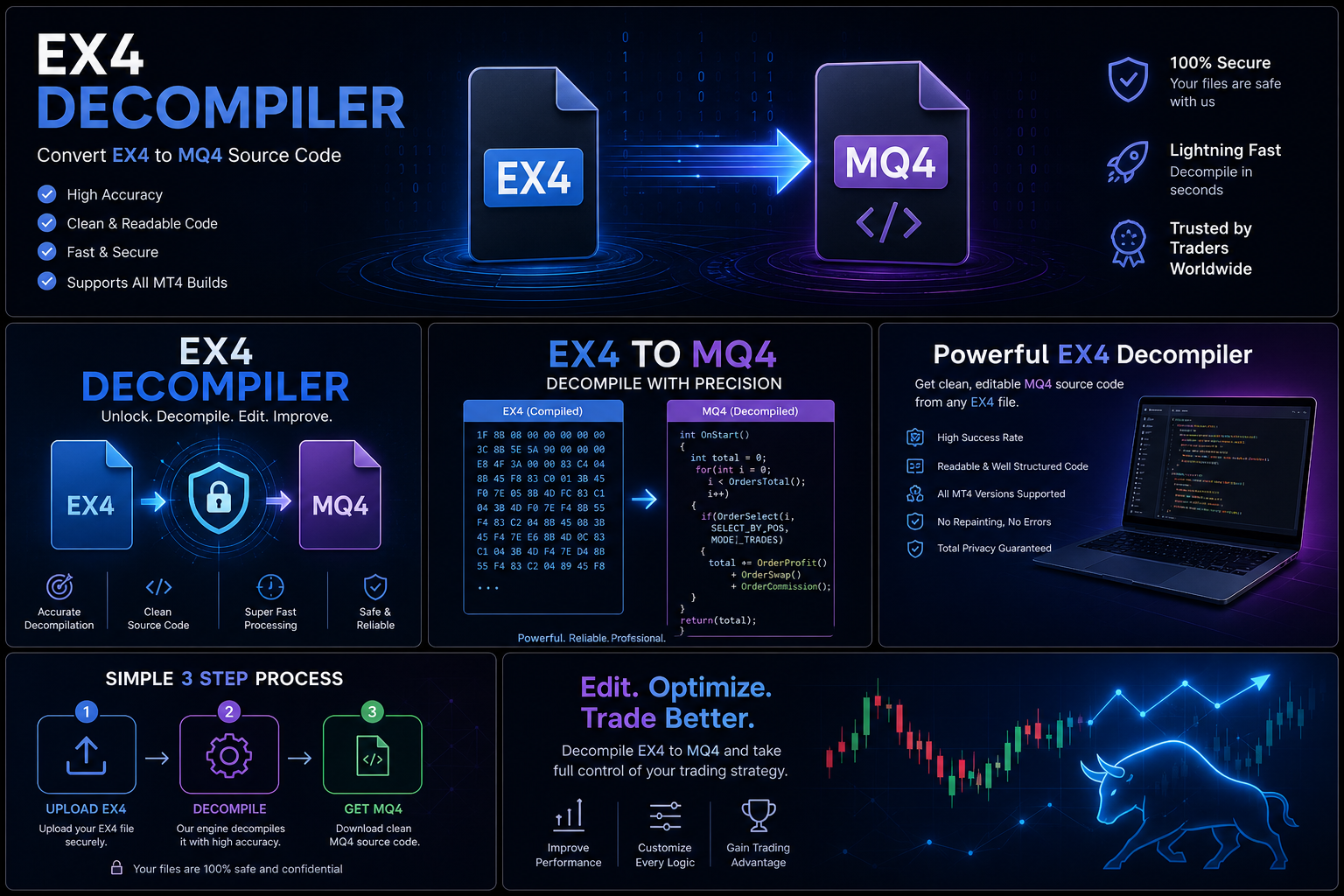
The Ex4decompiler.com service at Forex remains the definitive resource when source code access is necessary for repairs and no backup exists. Starting from $50 with a 95% success rate, it is the most efficient route to the code access that enables meaningful, root-cause fixes for EAs that have stopped working.
Long-Term EA Health Management
Managing a trading EA's long-term operational health is an ongoing responsibility, not a one-time setup. The most successful automated traders treat their EAs as software systems requiring regular maintenance rather than set-and-forget tools:
Monthly performance review: Compare actual monthly performance to historical averages. A meaningful deterioration say, two consecutive months at less than 50% of historical average performance warrants investigation before it becomes a larger loss event. Early detection of regime change or technical issues limits downside.
Quarterly backtest comparison: Run a fresh 3-month backtest using current broker settings and compare to the equivalent period from the previous year. Significant differences in trade count, average trade duration, or win rate indicate that the market conditions the EA was optimized for have shifted meaningfully.
Annual source code review: For any EA running continuously for a year, a fresh source code review is worthwhile. Over a year, broker conditions change, MT4 updates are applied, and the trading environment evolves in ways that may warrant code updates. Having source code access (obtained through original files or professional decompilation) makes this ongoing maintenance possible.
Version control for any modifications: Any time you modify an EA's source code even small parameter changes commit the change to a version control system before and after. This creates an auditable history of modifications that is invaluable when something breaks and you need to identify which change caused the problem. Git with daily commits provides this protection at no cost.
The Role of Source Code Access in Long-Term EA Maintenance
Every failure scenario described in this article shares a common thread: without source code access, the trader is a passive observer who can only respond to symptoms rather than diagnose causes. With source code access, each problem becomes tractable. A broken indicator reference can be updated. A hardcoded broker server name can be replaced with a configurable parameter. A strategy that was optimized for 2019 market conditions can be re-optimized for current conditions.
This is the deeper reason why traders invest in EX4 decompilation through ForexMQ5 not just to retrieve code they once had, but to transform their relationship with a tool they rely on. Passive dependency becomes active control, and an EA that might otherwise be abandoned can instead be maintained, improved, and extended